2025 was a year of meaningful progress for Lytho. Throughout the year, we focused on making the platform faster, more intuitive, and more powerful for teams managing complex content and creative operations. These updates were designed to reduce friction, improve visibility, and help teams move work forward with greater confidence — from planning and creation to review, approval, and asset management. This article brings together all Lytho product releases from 2025 in one place, so you can quickly see what’s new and understand how each update supports better outcomes for your team.
January 2025
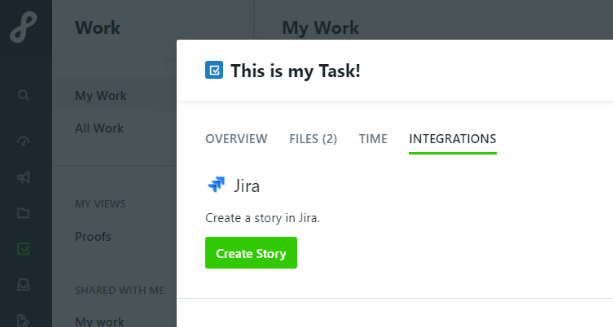
Integrate Jira with Lytho Workflow
Keep your teams in sync without the extra steps. With Lytho’s Jira integration, tasks created in Lytho can flow directly into Jira, eliminating duplicate data entry and bridging the gap between creative, marketing, content, and digital teams. Sync smarter, not harder!
Head over to Integrations within your Account Settings to get started today. Learn more HERE.
February 2025
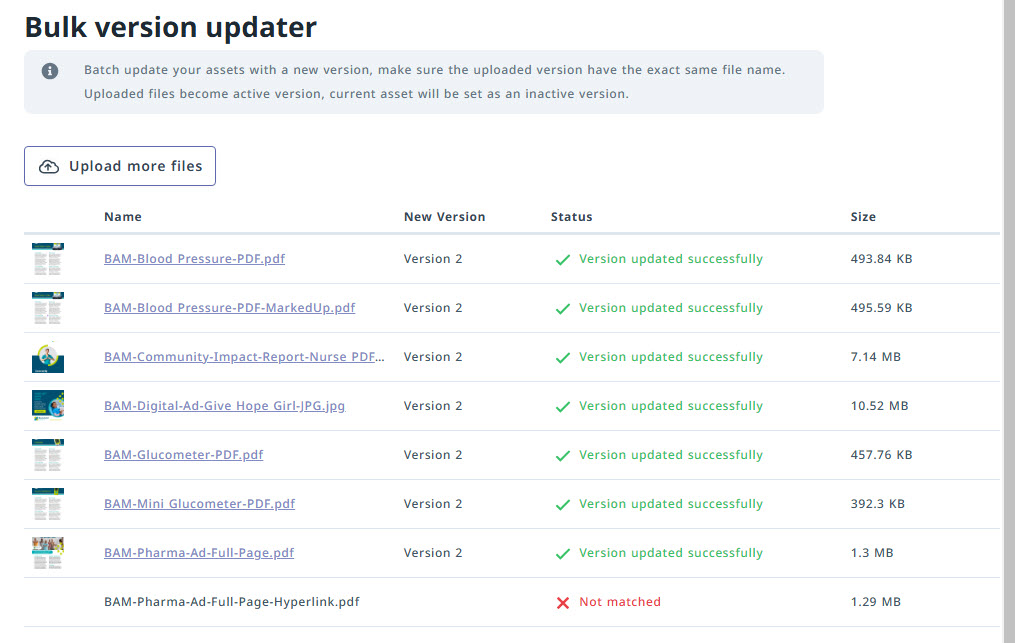
Bulk Version Updater
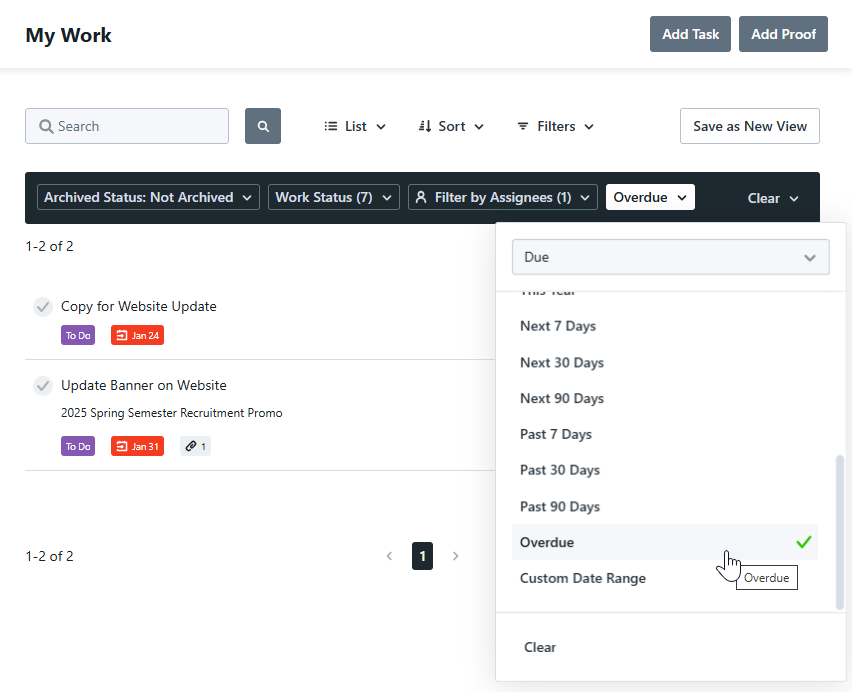
Easily Identify Overdue Work in Custom Views and Reports
Quality of Life Improvements
Preview Proof Assets
Click on a proof thumbnail to instantly preview the image — no downloads or extra steps needed.
March 2025
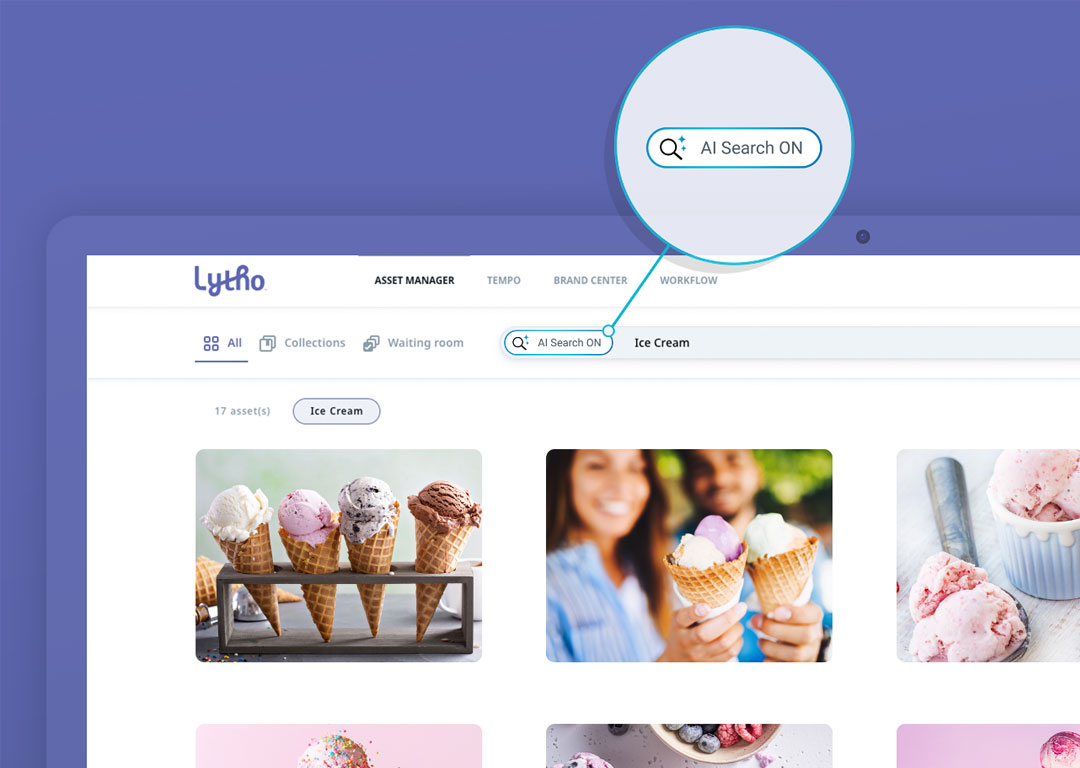
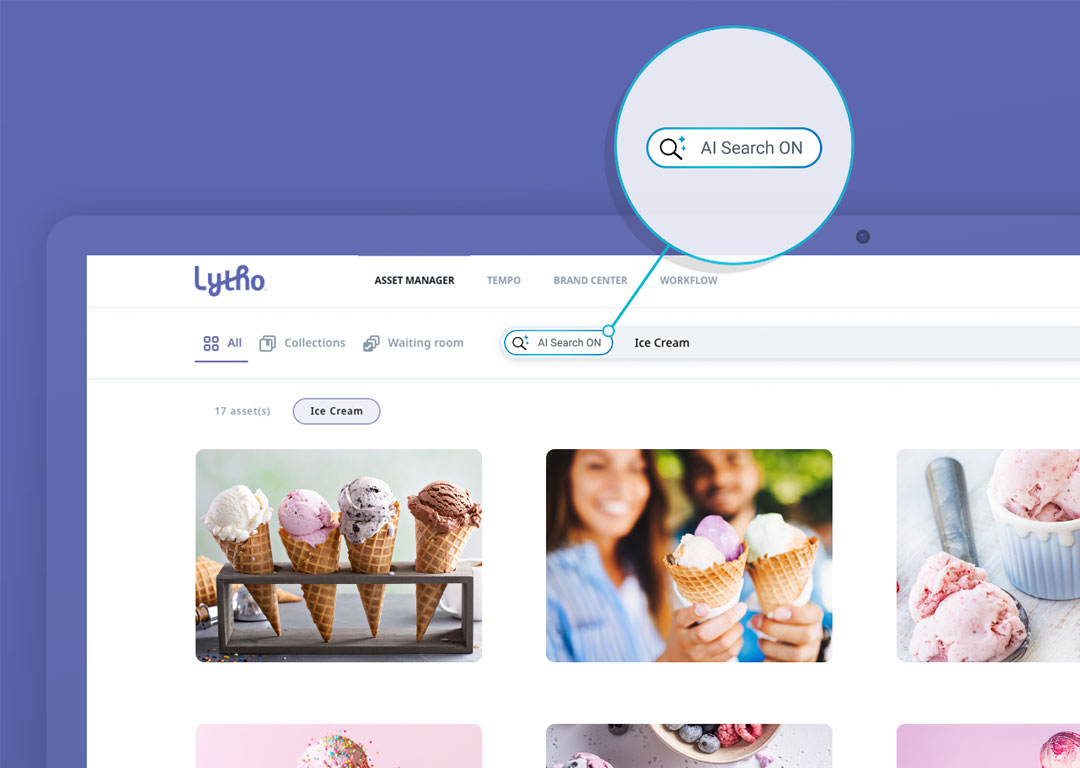
AI Search in the Asset Manager
No more wasted time hunting through folders or stressing over complex tagging requirements. Lytho’s AI-powered search understands objects, scenes, and context in your assets, making them instantly discoverable without the need for perfect or precise keyword searching.
Stakeholders can self-serve, finding exactly what they need in seconds just by describing it in everyday language. And DAM admins and asset managers are spared tag maintenance headaches.
With Lytho’s AI Search, your team will spend less time searching and more time fueling your marketing flywheel.
Want in? Reach out to Lytho Support to enable this new feature!
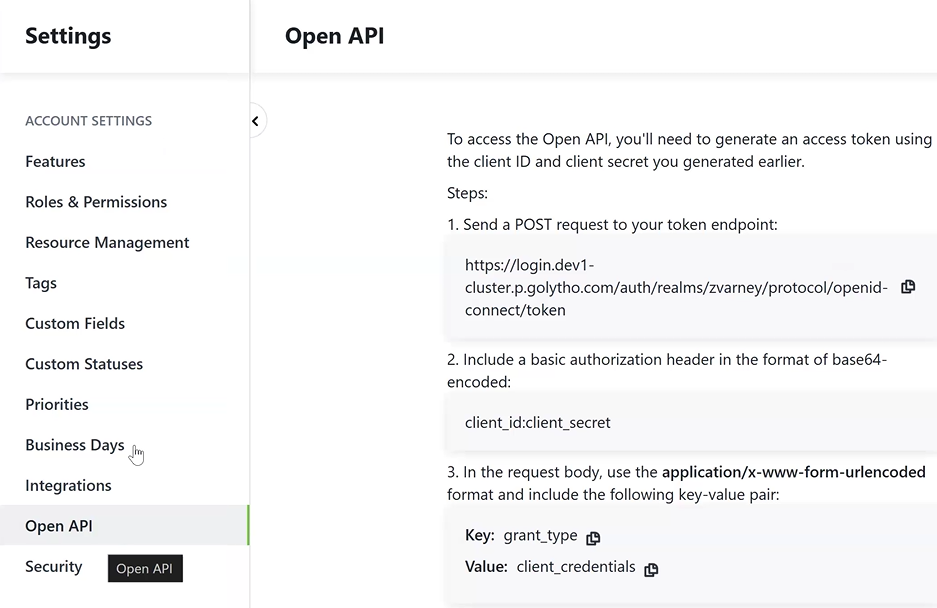
Open API for Lytho Workflow
Integrate seamlessly with your existing tools, automate repetitive tasks, and unlock powerful workflow efficiencies. Whether you need to sync project data, trigger actions in other apps, or build custom solutions, our Open API gives you the flexibility to tailor Lytho to your team’s needs.
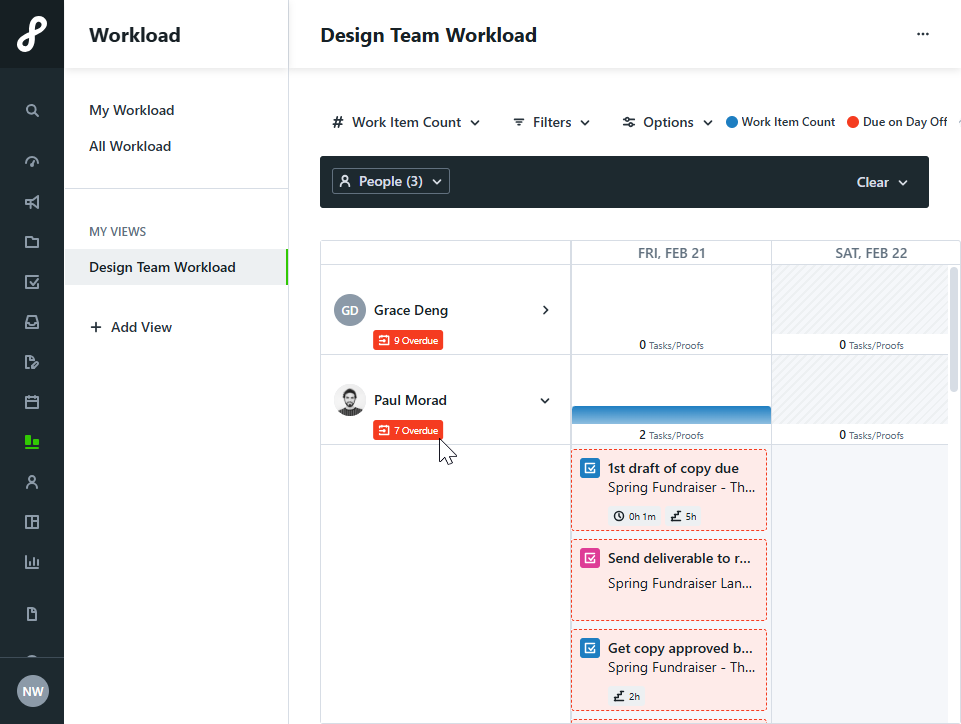
Quality of Life Improvements
Quickly Spot Overdue Work
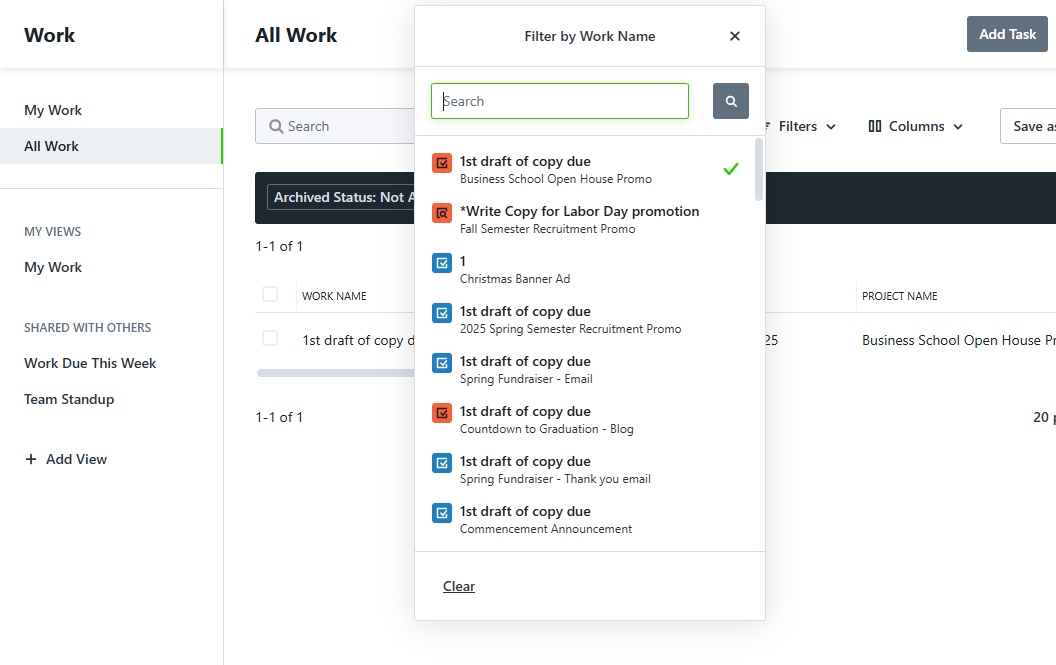
Find Work Faster with Name Filters
Track Campaign Requests with Ease
Projects created from campaign request deliverables now display the originating Request Form name in Project Reports. This added visibility helps you connect projects back to their initial requests, making reporting and analysis more seamless than ever.
April 2025
More Flexibility with DAM Open API Enhancements
We’re expanding what’s possible with the DAM Open API, paving the way for deeper integrations and smarter automation with Smart Templates.
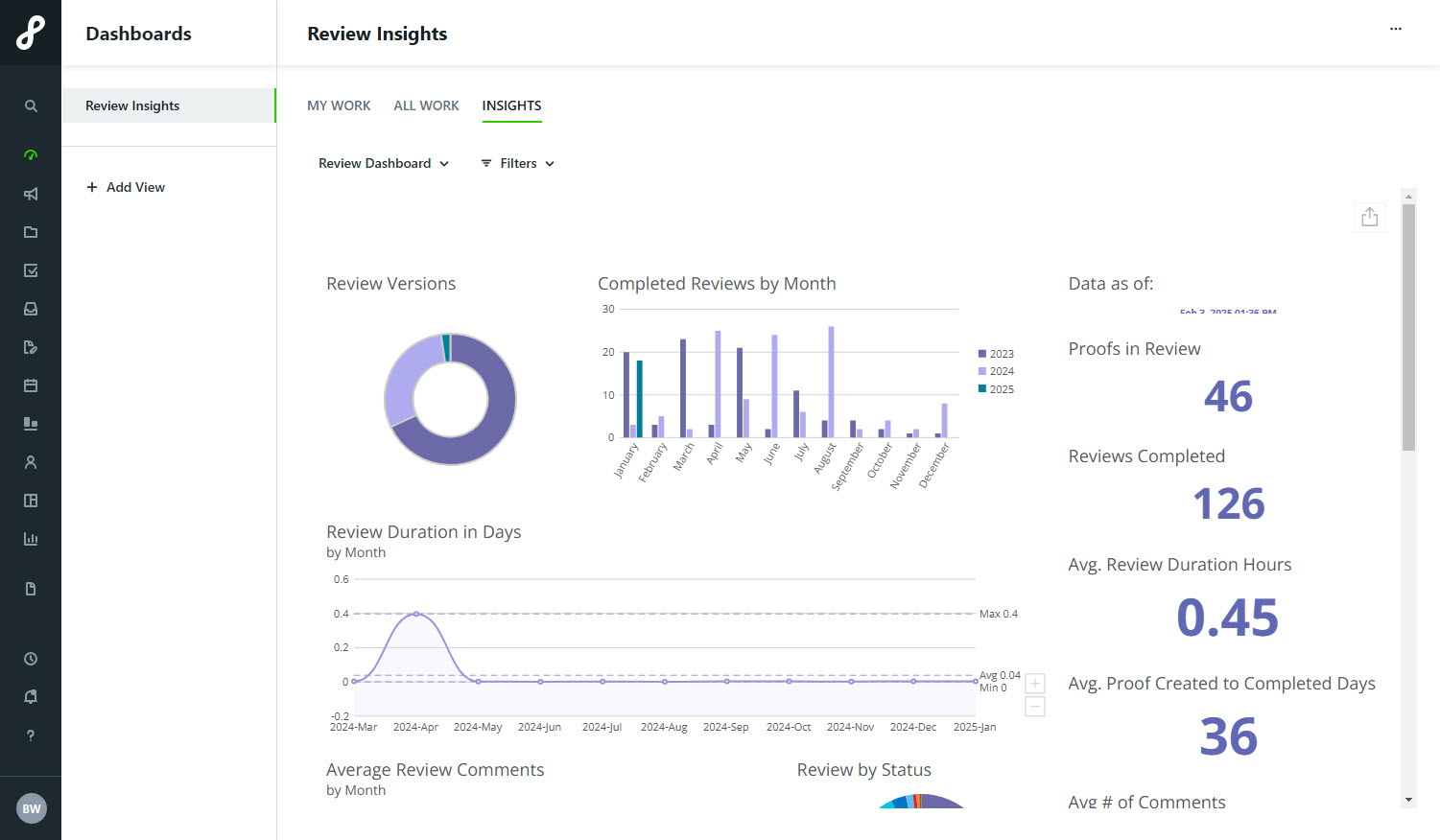
Lytho Insights*
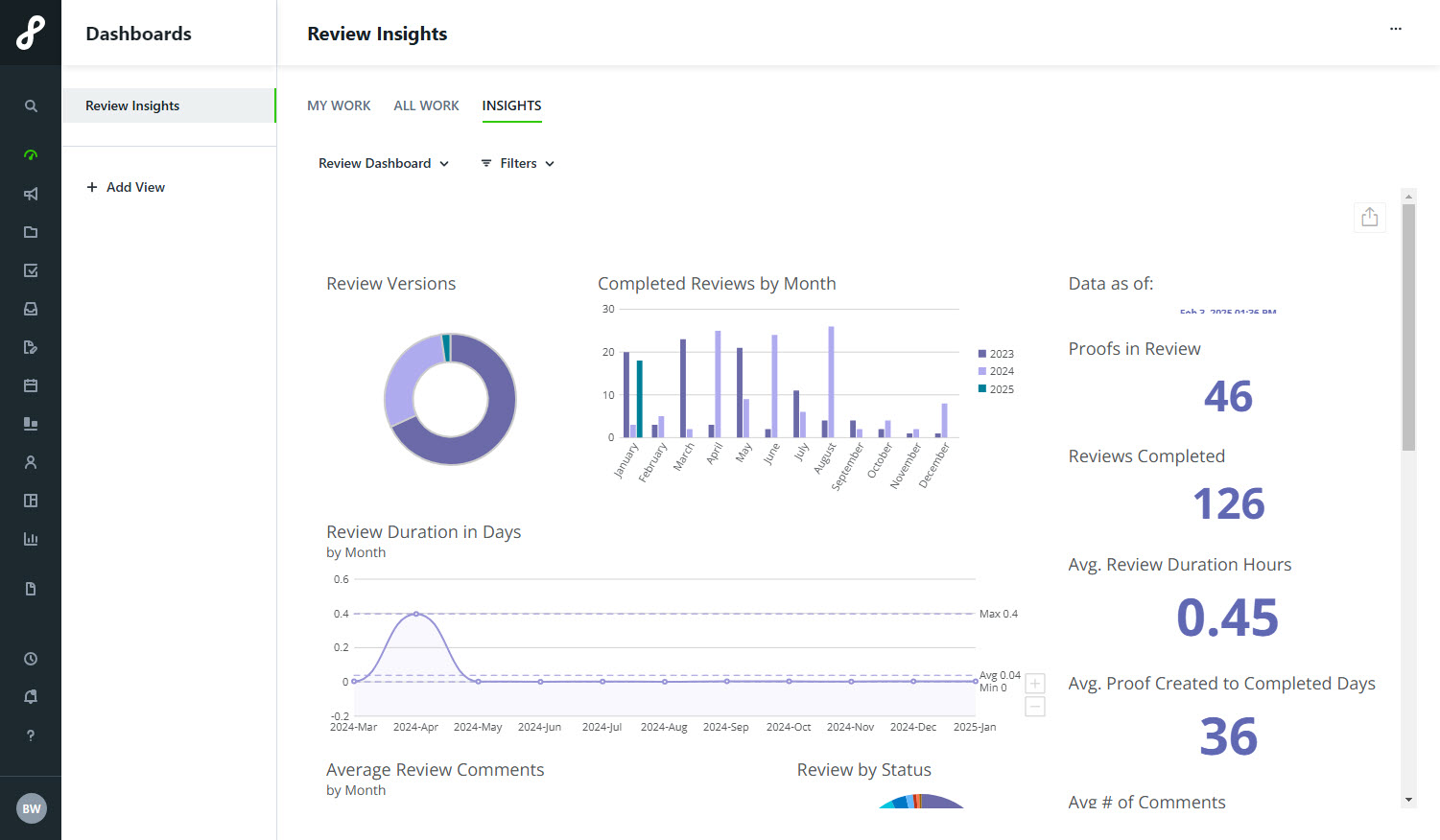
Lytho Insights makes tracking your team’s impact effortless. Dashboards spotlight bottlenecks, optimize workflows, and prove your value by illustrating operational trends. No exports, no spreadsheets, no BI headaches — just smarter decisions, faster intel, and data that does the talking (so you don’t have to).
P.S. Check out our recommended Insights dashboards for inspiration!
Smarter Workload Warnings, Less Guesswork
Now when assigning tasks, you’ll see a warning if a team member is already at capacity or scheduled to be out during the assignment window. You’ll also get a heads-up if the level of effort exceeds their available bandwidth. Plan smarter and avoid overload!
Quality of Life Improvements
See Full File Names When Uploading Proofs
Now you can view the entire file name when uploading assets to a proof, so you can be sure you’re selecting the right file every time.
Get Notified When Downloads Start
We’ll let you know when files begin downloading, giving you added clarity and peace of mind during the process.
July 2025
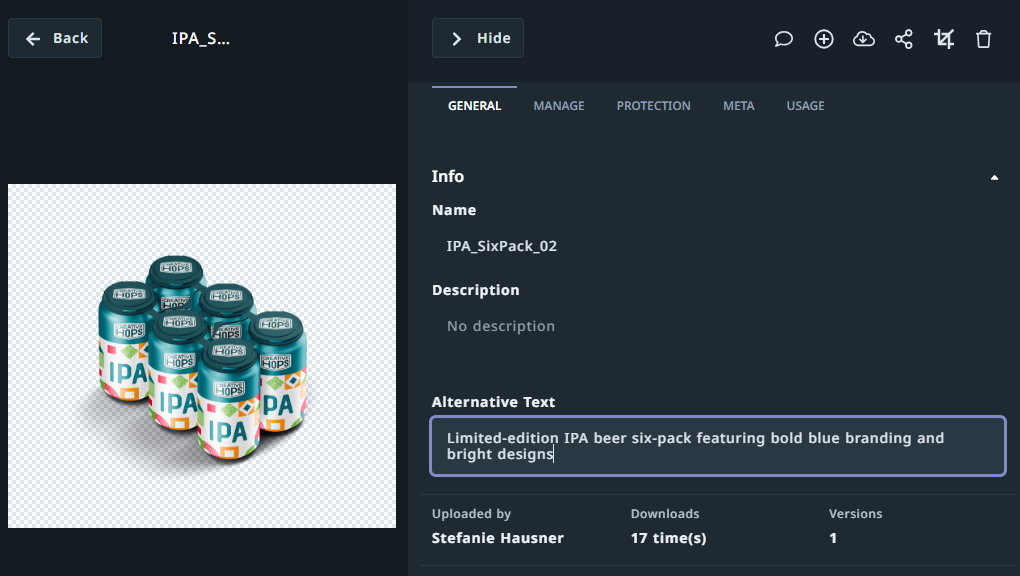
Make Your DAM More Accessible with Alt Text
Lytho Insights for Stakeholders*
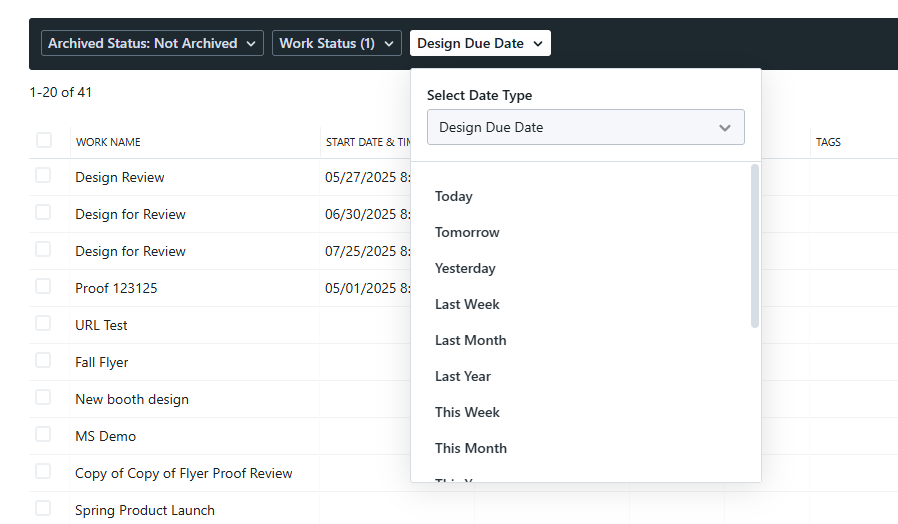
Filter by Custom Date Fields in Custom Views and Reports
Say goodbye to rigid timelines. You can now filter any custom view or report by your own date fields — launch dates, campaign windows, regulatory milestones, and more. This puts you in control of what matters now, helping your team reduce noise, sharpen focus, and stay aligned on high-impact deadlines.
September 2025
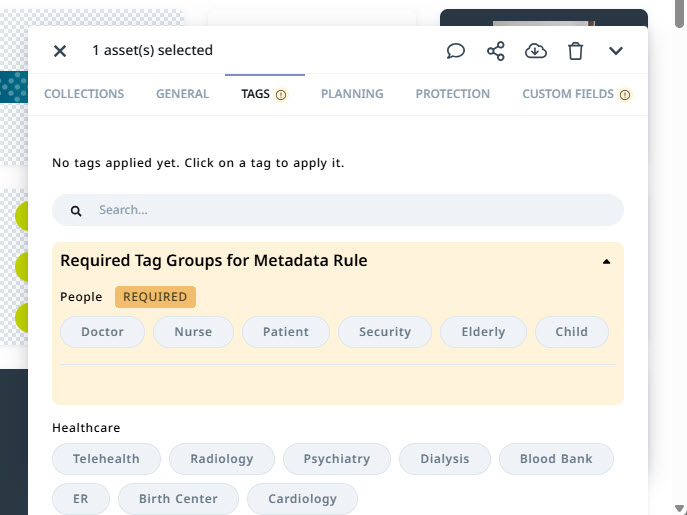
Metadata Rules
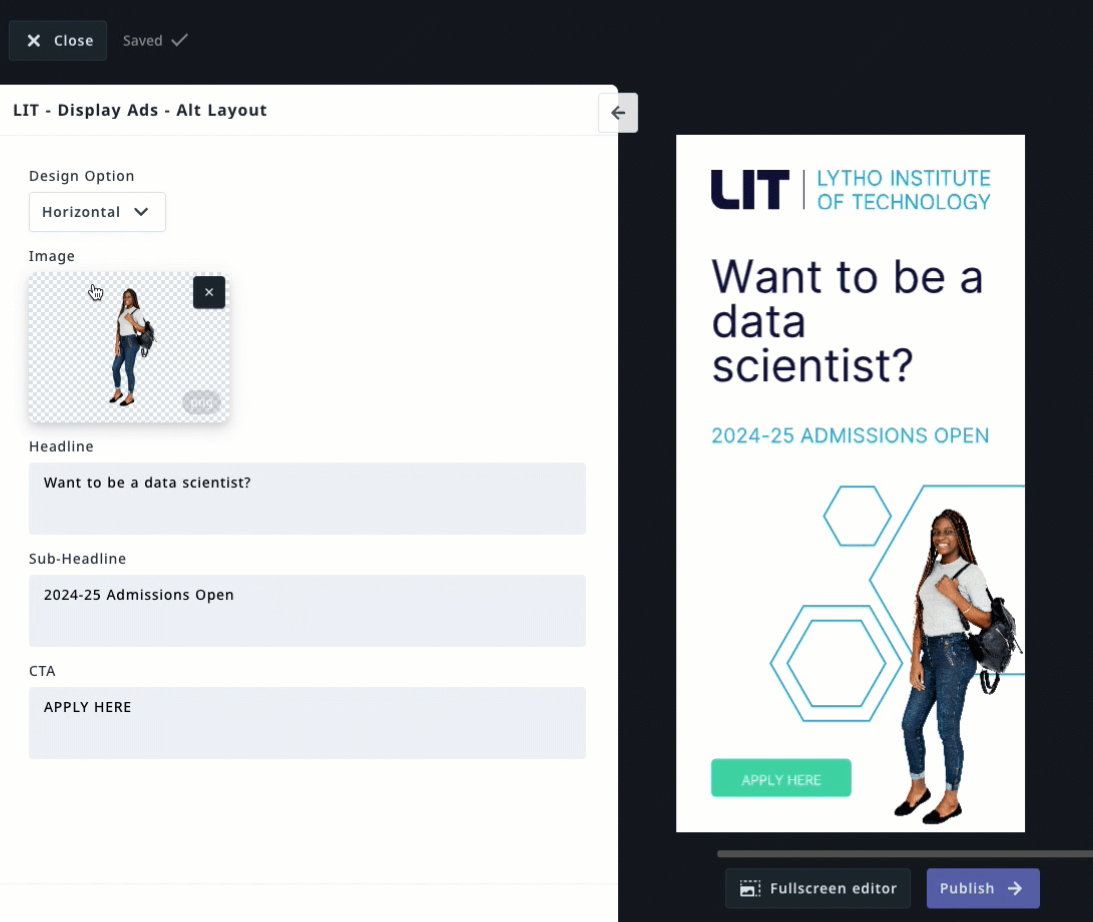
Templating Professional Services
Ready to learn more? Reach out to our team for more information on which package will best serve your needs.
October 2025
Search without borders
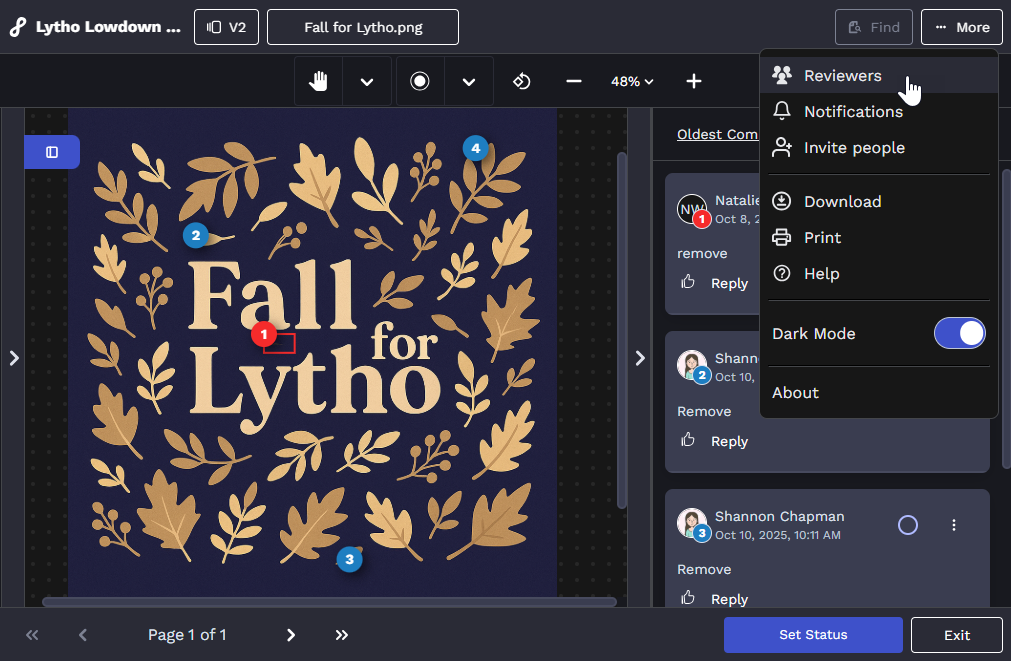
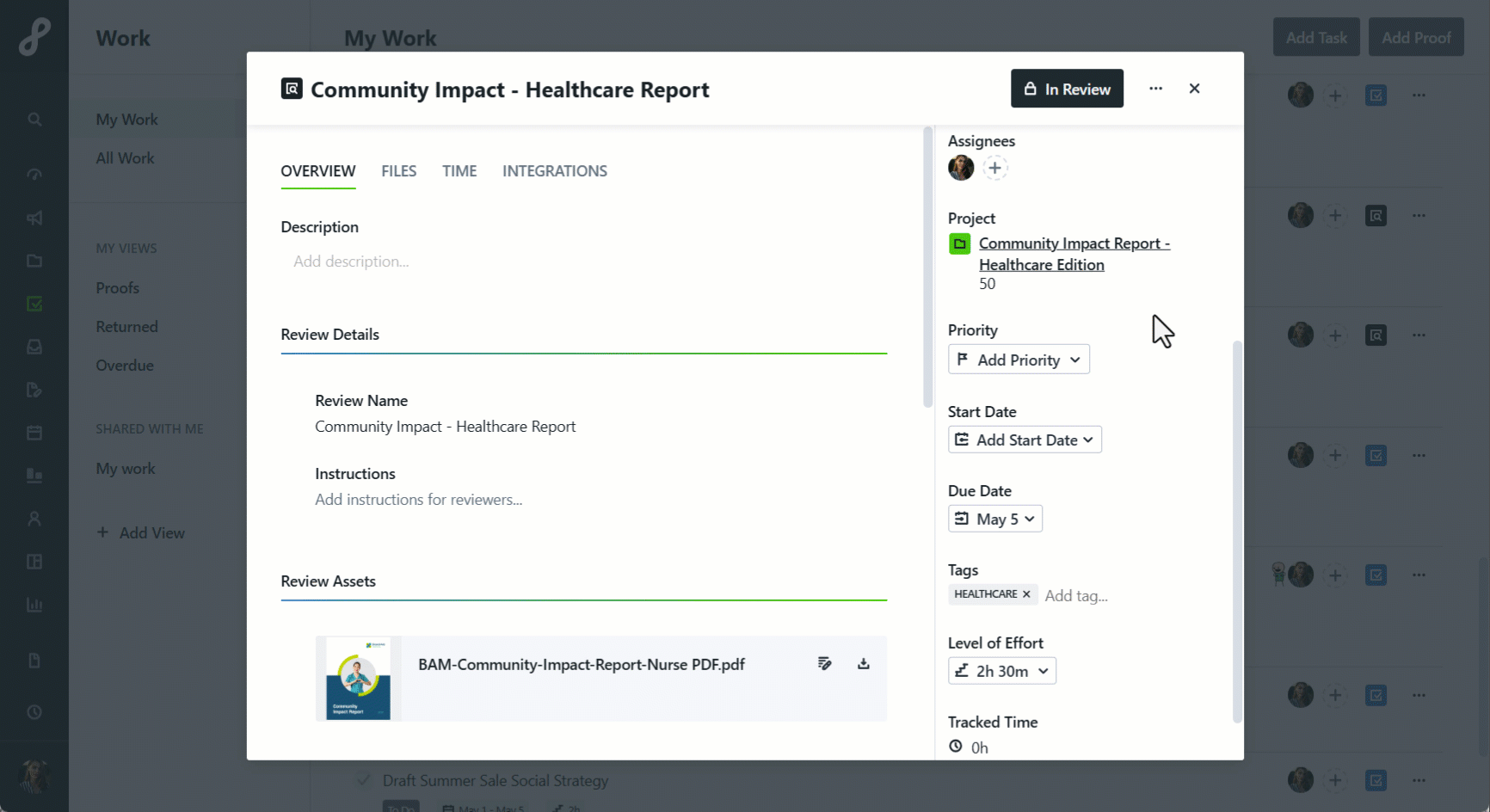
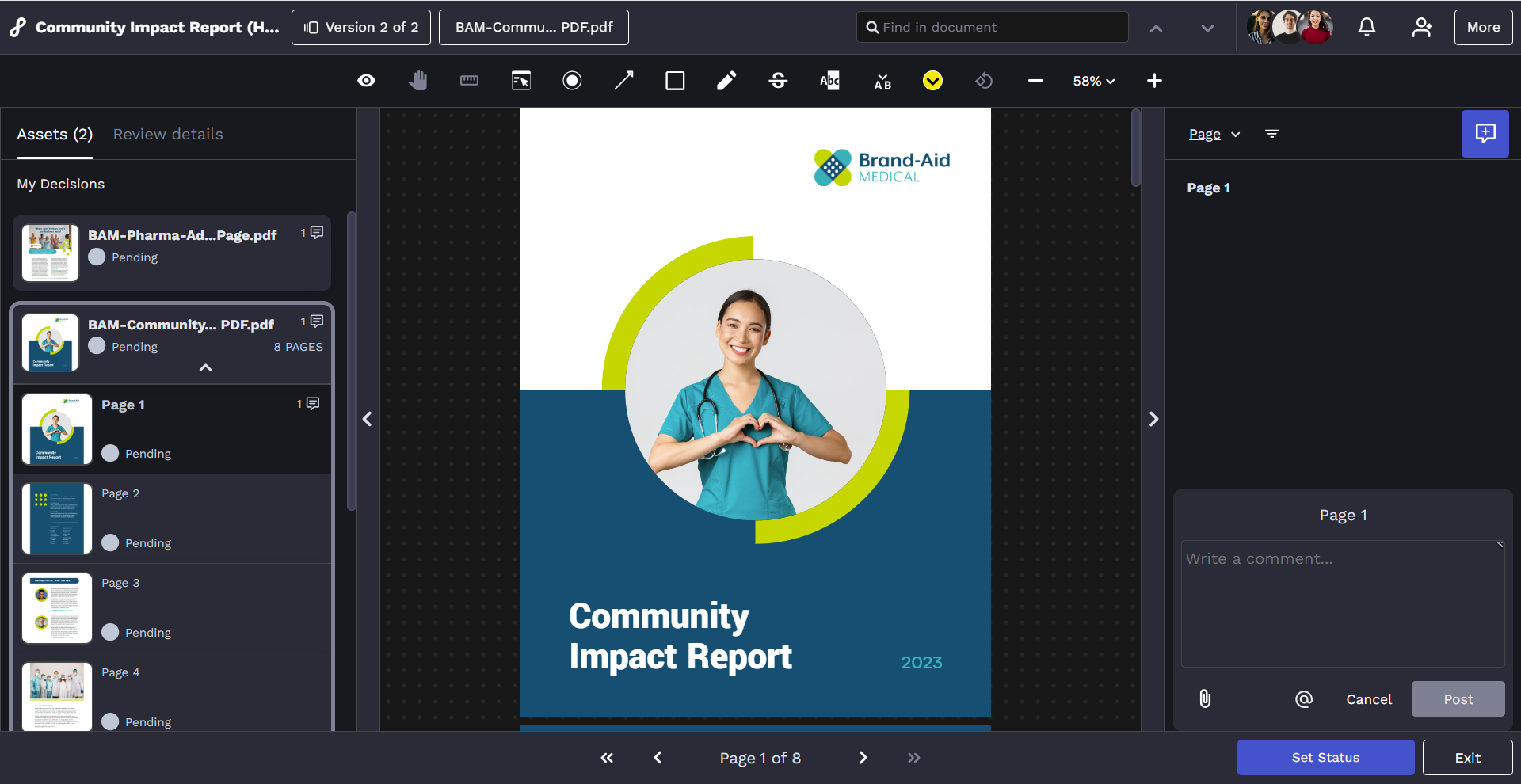
Reviews reimagined
Accessibility that empowers everyone
We’ve made a series of updates to ensure Lytho is easier to use and more inclusive for all. From improved focus states to clearer contrast and better screen reader support, every change helps create a smoother, more accessible experience.
Key improvements include:
- Keyboard focus state and visible navigation enhancements
- Larger, easier-to-tap touch targets for all users
- Improved color contrast for visibility in light and dark modes
- Better reflow and readability at 400% zoom
- Added descriptive headings for screen reader compatibility
- Darkened slash marks on Days Off within Workload for stronger visual contrast
- Added clear progress text under the Projects progress bar showing “x/n Completed” or “No tasks or proofs”
- Additional refinements across Lytho, including improved color contrast and new highlight outlines for better focus visibility
November 2025
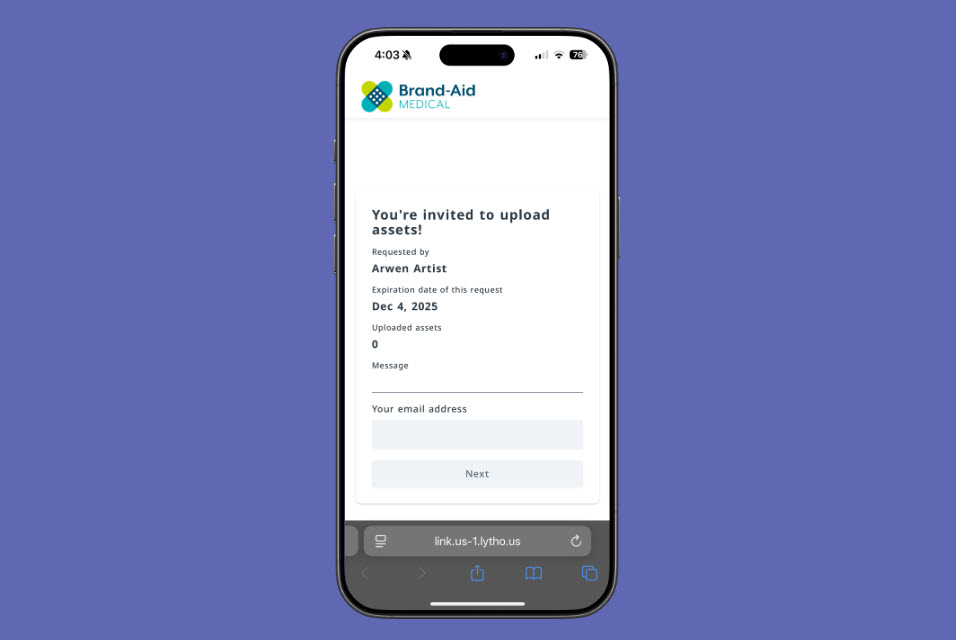
Upload from anywhere
See who's reviewing at a glance